
Take off into
deep focus.
Turn your next study, work, or reading session into a virtual flight.



FOCUS SCENARIOS
“I can finally focus”
See how a virtual flight can help you get started and stay on task.
Catching up on assignments
When assignments pile up, I tend to bounce between them. For each flight I pick one thing to work on, like outlining an essay or getting through a problem set. After I land, I can see what I’ve finished even if there’s still more to do.
Exams, writing, and busy afternoons
On busy afternoons I can lose track of how long I’ve been working. I set a flight for the time I have, then revise for an exam or work on a draft. Landing is my cue to wrap up.
Making time for job applications
I used to spend a whole afternoon looking through job listings and still have nothing ready to send. Now I use a flight for the application itself, like tailoring my résumé or working through the form. It feels like I’ve made real progress.
Finding a study rhythm with ADHD
With ADHD, I sometimes lose track of what I’m doing even when I want to get it done. I start a flight before I study. When my mind wanders, I can come back to the page I was on.
Staying with a good book
I start a flight and open my book. Once I’m in the air, it’s easier to stay with the chapter I’m reading instead of stopping to check something else. I like getting far enough to wonder what happens next.
Getting absorbed in making things
I keep the cabin sound on while I quilt. It’s steady enough to fade into the background, so I can stay with what I’m making. A flight gives me a stretch of time to get absorbed in the work.
Showing up for Spanish practice
A flight has become my cue to practice Spanish. Sometimes I do a lesson. Sometimes I just review the words I keep forgetting. I like that even on a busy day, I’ve made a little room for it.
Notes open. Phone down.
I used to pick up my phone the minute I got stuck. A quick look could turn into half an hour of scrolling. Now I keep my notes open during the flight and save the phone for after I land. 📚
Seeing the miles add up
A single session doesn’t always feel like much. When I open my flight log, I can see the routes I’ve flown and the miles I’ve put in over time. Seeing them together makes it easier to notice the progress I’ve made. ✈️
A destination for deep work
Having somewhere to land gives me something to look forward to while I work. I check the map once in a while to see how close I am. That makes me want to stay with what I’m doing until I get there.
YOUR FOCUS JOURNEY
How a focus flight works
Pick a flight, put distractions aside, and focus.
Land with progress you can look back on.
01STEP
Choose your flight
Set aside time for one thing. Choose your flight type and a destination to work toward.
- Set your focus time
- Pick a destination
- Tear your boarding pass to take off
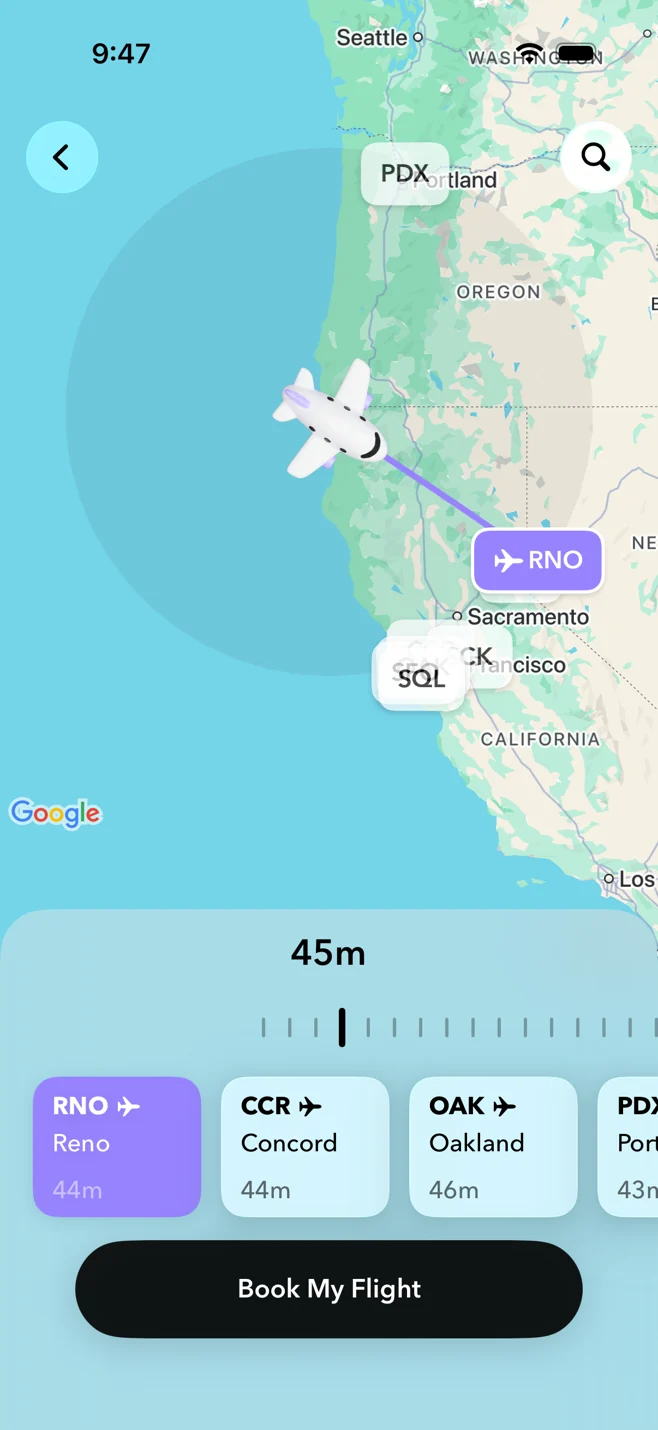
YOUR NEXT DESTINATIONA destination for your attention.Find the right flight for your day
 25MINEXAMPLE FLIGHT TIME
Take a quiet break
- Meditate in the morning
- Breathe slowly between meetings
- Meditate with cabin sounds
 45MINEXAMPLE FLIGHT TIME
Wind down before bed
- Skip scrolling before bed
- Unwind after working late
- Play soft bedtime sounds
 8HRSEXAMPLE FLIGHT TIME
02STEP
Find your seat. Find your sound.
Each seat has its own background sound. Pick one that helps you study, read, or work.
- Six seat sounds, from creek to cabin hum.
- Preview seat sounds in the app before boarding.
- Add Nearby Sounds for more depth.
SIX SEATS. SIX SOUNDS.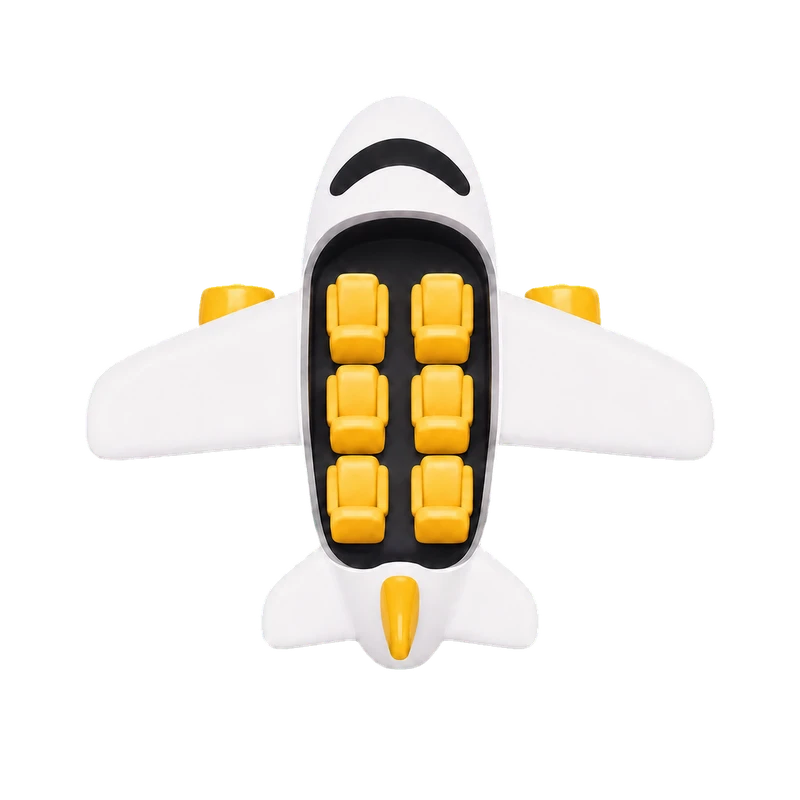
03STEPiOS only
Check in your distractions
Before you take off, leave distracting apps in the hold so you can give this time your attention.
- On iOS, choose which apps to block before takeoff.
- You can use them again once your flight ends.
EXTRA BAGGAGE? LEAVE IT HERE.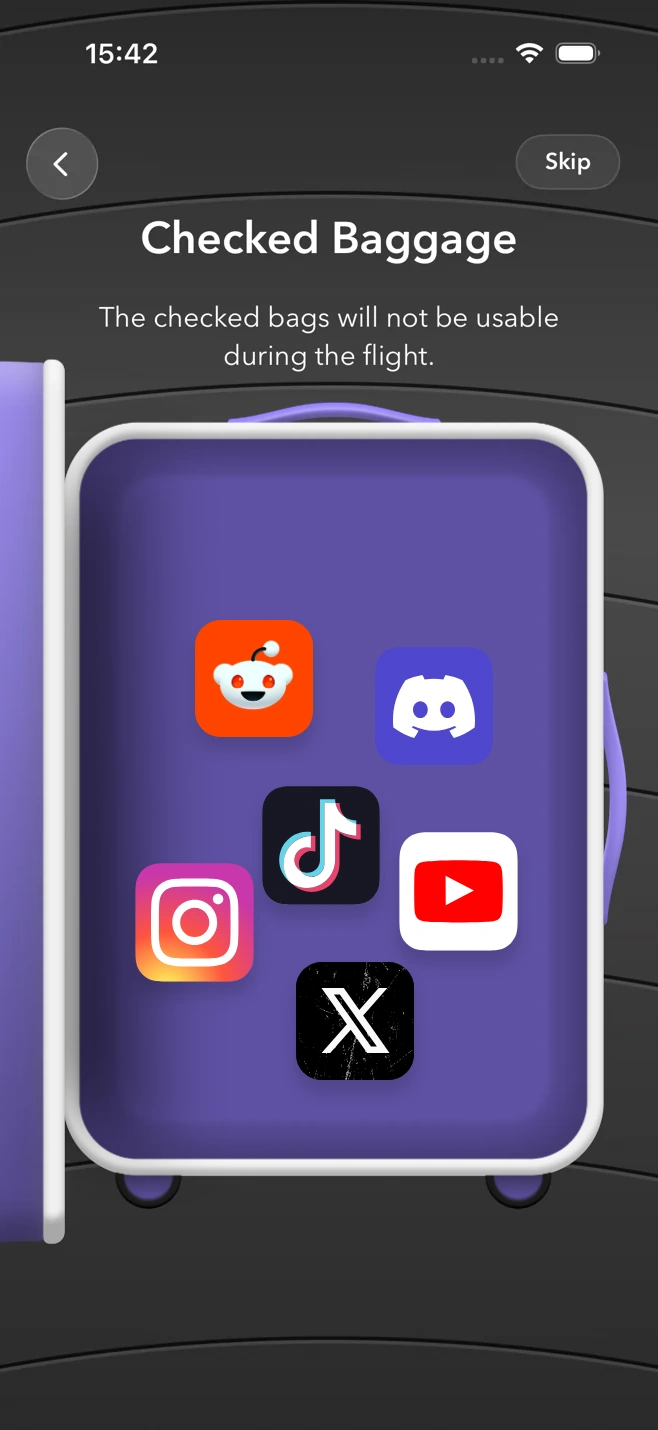 LESS
BAGGAGE.
MORE
HEADSPACE.04STEP
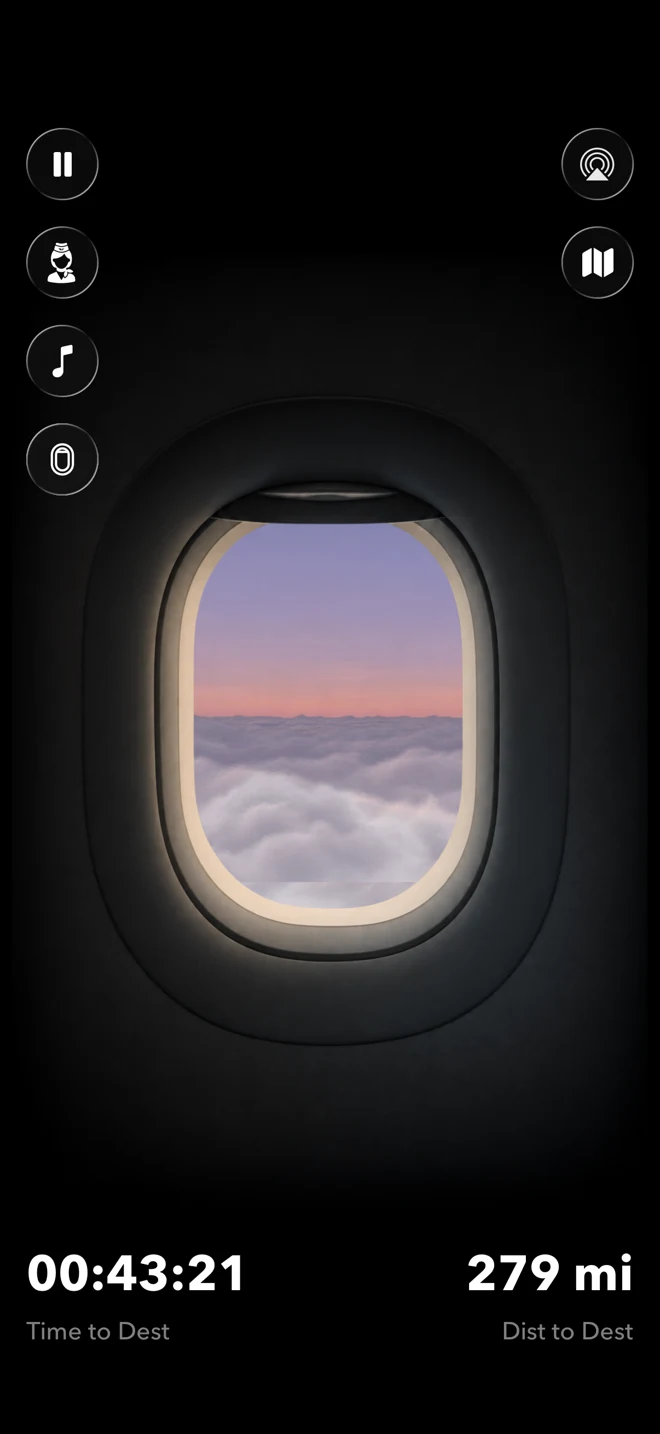
Settle into deep focus
You’re on your way. Stay with your task while your flight takes you toward your destination.
- Check your route and time to landing on the map, or look out the cabin window.
- Let your chosen sound accompany you while you stay with your task.
 Your own little atmosphere
05STEP
Look back on your progress
You’ve arrived. Keep a record of the time you made for yourself, one completed flight at a time.
- Your Flight Logbook shows your completed flights, total time in the air, and distance flown.
Illustrative flight data


Can I choose how long I fly?
Yes. Choose a flight type and set your session length before boarding. The app then helps you choose a destination for your journey. The times shown on this website are example starting points, not limits.
Can I pause or end a flight early?
Yes. You can pause your journey or choose an early landing from the in-flight controls. On iOS, checked-in apps are released when the flight ends.
Is FlightFlow free?
FlightFlow is free to download, with optional in-app purchases for premium features. Features and purchase options can differ by platform and version. You will see the current price and any renewal terms in the app before you purchase.
Does FlightFlow block distracting apps?
On supported iOS devices, you can check in selected distracting apps before takeoff using Screen Time permissions. App blocking and baggage check-in are not available in the Android app. Both platforms offer the core virtual flight experience.
What is FlightFlow?
FlightFlow turns time for focus, meditation, or rest into a virtual flight. Choose your destination and session length, get your boarding pass, and follow your journey from takeoff to arrival.
Do I need to be on a real flight?
No plane ticket required. Every flight happens inside the app. You can take off from your desk, the library, your sofa, or wherever you want a little time to yourself.
Where can I download it?
FlightFlow is available on the App Store for iOS and Google Play for Android. Use the download buttons on this page. Each store lists current device and operating-system requirements.
How can I get in touch?
We would love to hear from you. Email support@bettersleeprise.com for help, feedback, or questions about FlightFlow.
Ready for your
first focus flight?
Download FlightFlow